Play Chess With a Friend Online: Private Rooms
Create a private room and share the 6-digit code, or join your friend's room. The game starts as soon as both players are in.
- Private rooms with a 6-digit code
- Offer draws or resign any time
- Works on phone, tablet and desktop
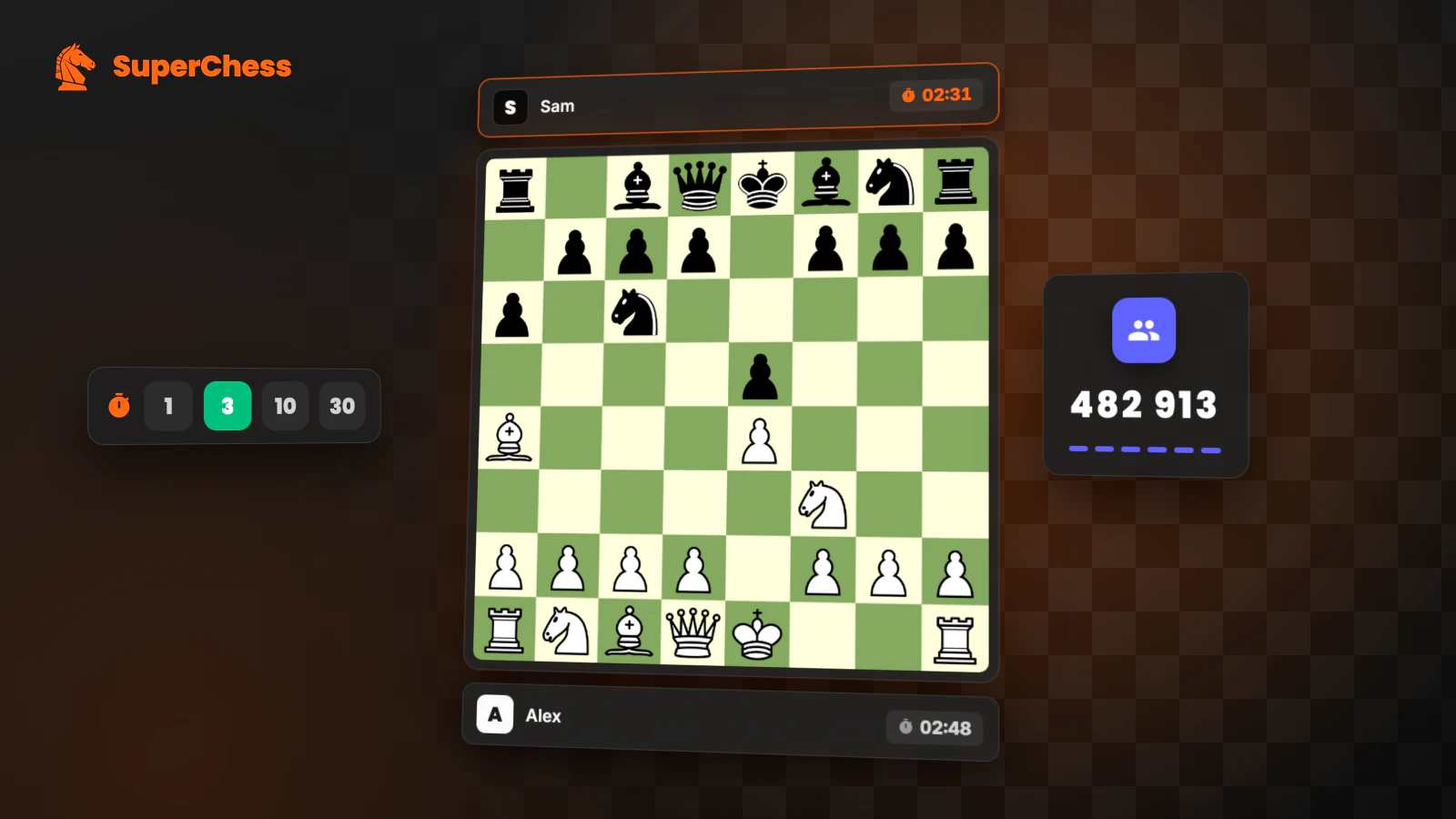
Why play on SuperChess
Private rooms
Create a room and share the 6-digit code. Only your friend can join.
Real-time play
Moves sync instantly over WebSocket with server-side chess clocks.
Draws and resigns
Offer a draw, accept or decline, or resign like a real game.
How it works
Create a room
Pick a time control and tap Create Room.
Share the code
Send the 6-digit code to your friend by chat or message.
Play together
The game starts as soon as your friend joins with the code.
Frequently asked questions
How do I play chess with a friend online?
Create a room, share the 6-digit code and your friend joins it from SuperChess. The game starts automatically.
Does my friend need an account?
No. Your friend can join as a guest; an account only keeps your history and stats.
Can we choose the time control?
Yes. The room creator picks bullet, blitz, rapid or classical before creating the room.
Is it free?
Yes. Playing chess with friends on SuperChess is completely free.